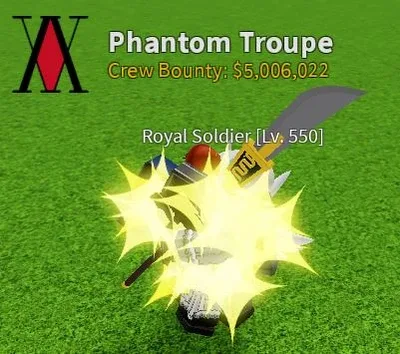
A Crew is the squad version of  Blox Fruits: a group of players united under the same banner, automatically allied in-game, with a collective bounty and a ranking of the best crews. Creating one requires level 300, but anyone can join an existing one.
How to get it
Reach Lv. 300 to create your crew (no level required to join one). When creating it, you choose the name and can add a logo by pasting a Roblox image ID into the Icon Editor.
How It Works
A crew holds 15 base members, expandable up to 30: each additional slot costs 2,000  Fragments from the
  Crew Captain, with a maximum of 15 purchasable slots (30,000 Fragments to unlock everything). Members present on the same server are automatically allied with each other.
The interface displays each member's name, level, and bounty, the crew's collective bounty, the captain's name at the top, and the ranking of crews by highest bounty (limited to 100 displayed; if tied, crews share the same position). The captain invites or removes members via the search bar and "Invite" / "Kick" buttons: the targeted player must be on your server, be a  Pirate, and not already belong to a crew, otherwise an error message displays.
Good to Know
Owning a top 100 crew grants the title "The Most Wanted", and keeping a crew in the top 10 for 72 hours total unlocks "Pirate King". For the logo: go to Develop, then Creator Marketplace, then Images; copy the Image ID, paste it at the end of roblox.com/library/, then use that link in the crew creator. Last catch: if you switch from  Marine to Pirate and the crew button disappears, it's a known glitch - just rejoin the game.
 Books
Books Bosses
 Bounty and Honor System
 Brazil World
 Chess
Chess Chests
 Codes
Codes Combat Mechanics
 Combos
 Commands
 Common
 Consumables
 Crew
Crew Cursed Chest
 Damage Counter
 Dashing
 Destructible Physics
 DLC
DLC Dragon Tether
 Easter Eggs
 Eggs (Easter Event 2023)
 Elemental
 Embers
 Enchantments
 Energy